
For Planet
Environment Agency
Inspiring young people to take collective climate action
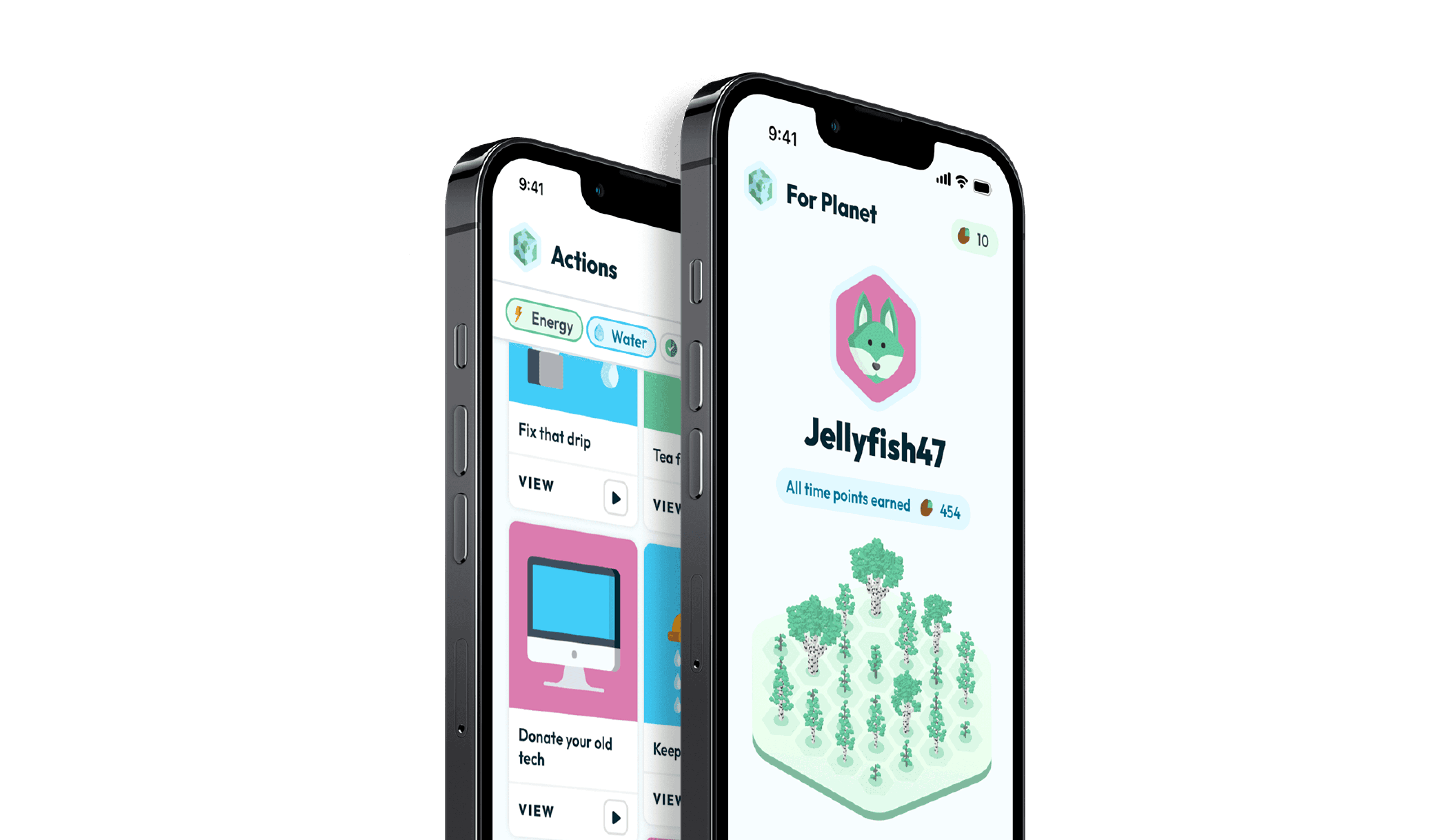
The problem
Reaching, engaging, and educating young people
1
Desire for Comprehensive Climate Education
72% of UK students aged 14–18 want more climate change education in schools. However, many feel current teachings are too exam-focused and not practical enough.
British Science Association
2
Uncertainty About Personal Impact
While 91% of young people believe they should be involved in decisions on reducing the UK's emissions, over half do not know how to get involved.
Co-op Foundation
3
Limited Understanding of Climate Concepts
Department for Education study on climate literacy indicated that Year 11 students have a "very poor" understanding of key climate change concepts, with only 55% recalling learning about climate change in their final year.
Schools Week
4
Children can influence parents' climate concerns
While 91% of young people believe they should be involved in decisions on reducing the UK's emissions, over half do not know how to get involved.
nature.com
The user
Climate anxious and uncertain about the future.
The Environment Agency highlighted young people between 12 and 15 years old as the primary age group that they wanted to engage.

Tom, 13
"I worry the planet’s problems are too big for me to fix."
Discovery
Stakeholder workshops
Along with the Environment agency, another stakeholder in this project was the Lancashire Youth Council. In the discovery phase, we conducted some workshops to learn more about their goals and gain insights about the demographic.

Ideation workshop with EA and Lancashire Youth Council

Screenshot of concept site map from workshop
Discovery
Gamification Concept
The consensus from the workshops was that the solution could be effective with the target user if it leveraged a heavy gamification aspect. Alongside the stakeholders, we came up with a concept for what the app could look like.
Discovery
User testing
Due to our access to the target user through the Lancashire Youth Council, we were able to employ multiple methods of research to collect feedback.
Surveys
11 Responses
12-19 years old
Interviews
3 Participants
13-16 years old
Group Discussion
8 Members
From Lancashire Youth Council
Discovery
User testing insights
1
Action Verification
We presented an idea where an action would require “verification” by an authority figure to be marked as complete. Participants liked this, but felt that there should be more of a reward if an action required that extra step.
2
Customisation
Many also said that they wished for more customisation than what the concept was showing. For example, users mentioned wanting the ability to choose their own usernames and add other things to their forest like animals.
3
Community Features
Participants often mentioned that being able to see the contributions from others would be a motivating factor to complete more actions.
4
Competition
the idea of being able to compete against other users also came up a lot as something that participants felt strongly about.

Define
Feature Prioritisation
The EA had a fixed date that they wanted to kick off the pilot study. Therefore, we needed to work with the stakeholders to prioritise features for implementation and for roadmap.
Design
Logo ideation
The client had no pre-existing direction or brand identity for the app apart from the name "For Planet". So, we had the opportunity to start with a clean slate and ensure the look and feel integrated well with the subsequent design system we would create.

Logo ideation
Design
Look and feel


Look and feel board
Feedback
Checking in with stakeholders
After the look and feel sprint, I facilitated another session with the Lancashire Youth Council to get impressions on if the visual aspects of the app were more engaging.

Look and feel feedback from LYC group discussion
Design
Design system
For this project, a new design system needed to be created. Although native components on respective platforms were leveraged where necessary. It was important the aesthetics of components felt special and unique.
Design
Key screens




Features
Grow a forest
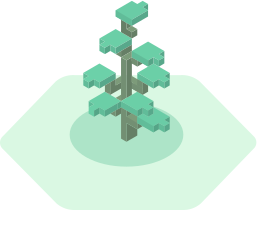
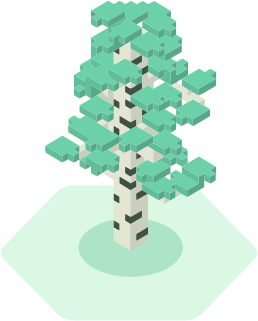
Users can spend points earned from completing actions to grow new trees or level up existing ones through seven stages. Every user's forest can look different.

Examples of forest combinations
Golden Path
Do your bit, grow your forest

1
Choose an action
Users can browse for an activity they want to complete on the actions tab. They can also filter by action type to find something related to a particular kind of climate activity.
2
Mark the action as complete
Once the user has found an activity they want to do, they would then go away and complete the action. Once complete, they would confirm in-app. Some actions require verification from an authority figure such as a teacher.
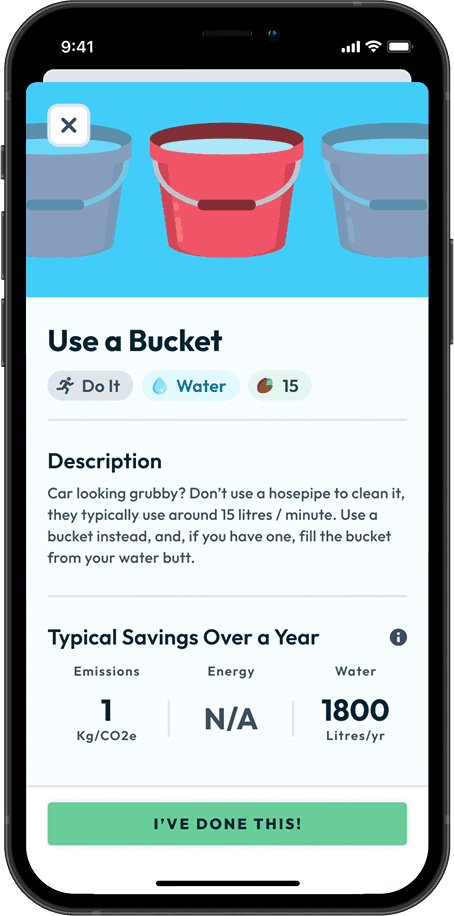

3
Collect points
When users mark an action as complete in-app they get rewarded with the points. If a user completed multiple actions that required verification, they would get a notification that shows the point total earned.
4
Spend points
Users can then choose from a range of options to upgrade their forest. They can choose to plant a new tree, or grow an existing one.


5
Grow a tree
Users are then presented with an animation showing tree grow or level up.
6
View your forest
They are then taken to the Forest tab that shows all of the trees they have grown so far, and highlights the change after spending the points.
Other features
Customisation, competition, and quizzing

Level up trees
Users can spend points earned from completing actions to grow new trees or level up existing ones through seven stages.
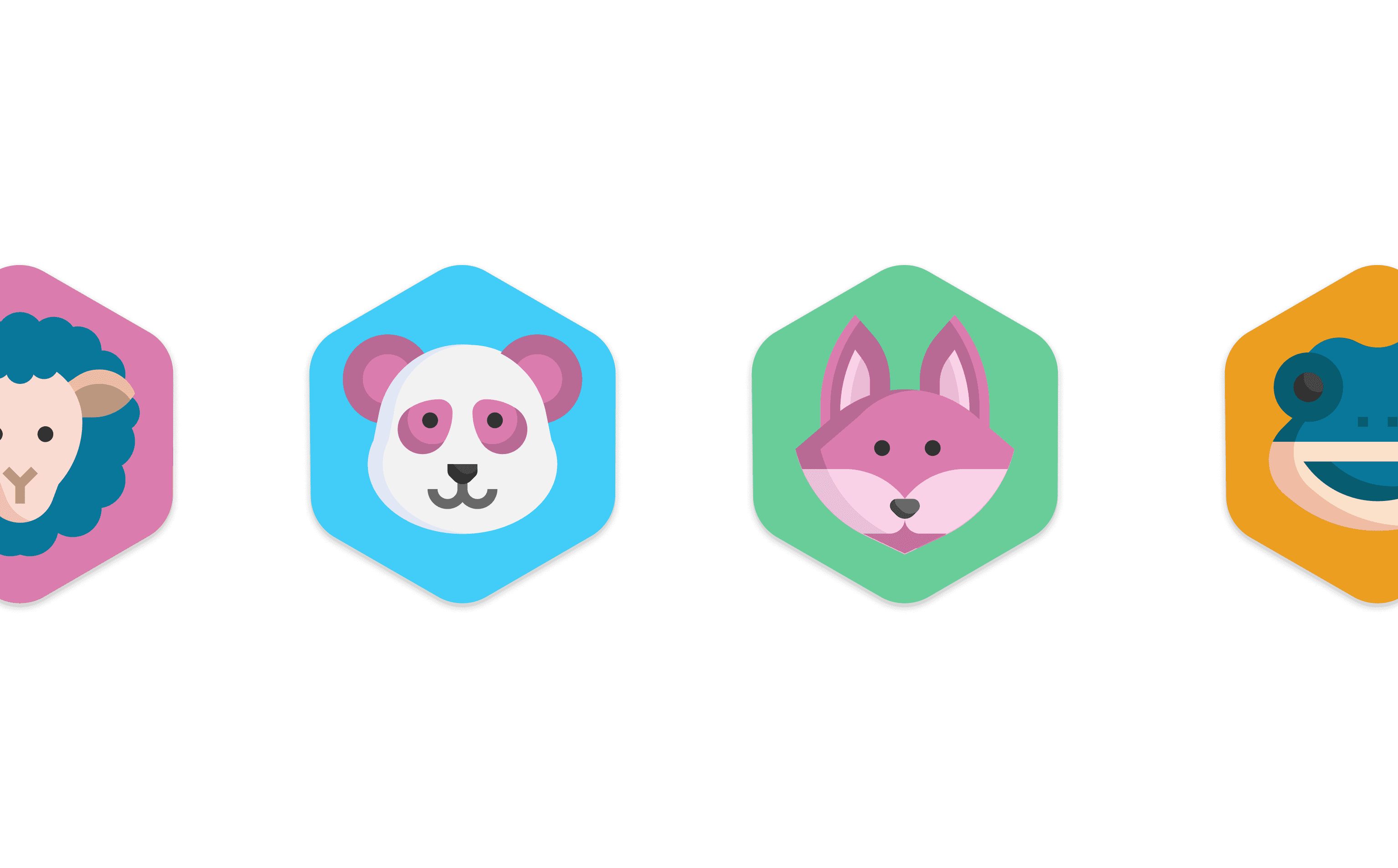
Avatar generation
Users are automatically assigned a random avatar and username when they join, giving them a unique identity within the app.

Group leaderboard
Users can join a group, with any points earned from completing actions boosting their team’s rank on the leaderboard.

Quiz based actions
Some actions can be completed by taking a quiz, allowing users to earn points without needing a real-world activity.
Impact
Stats from the pilot
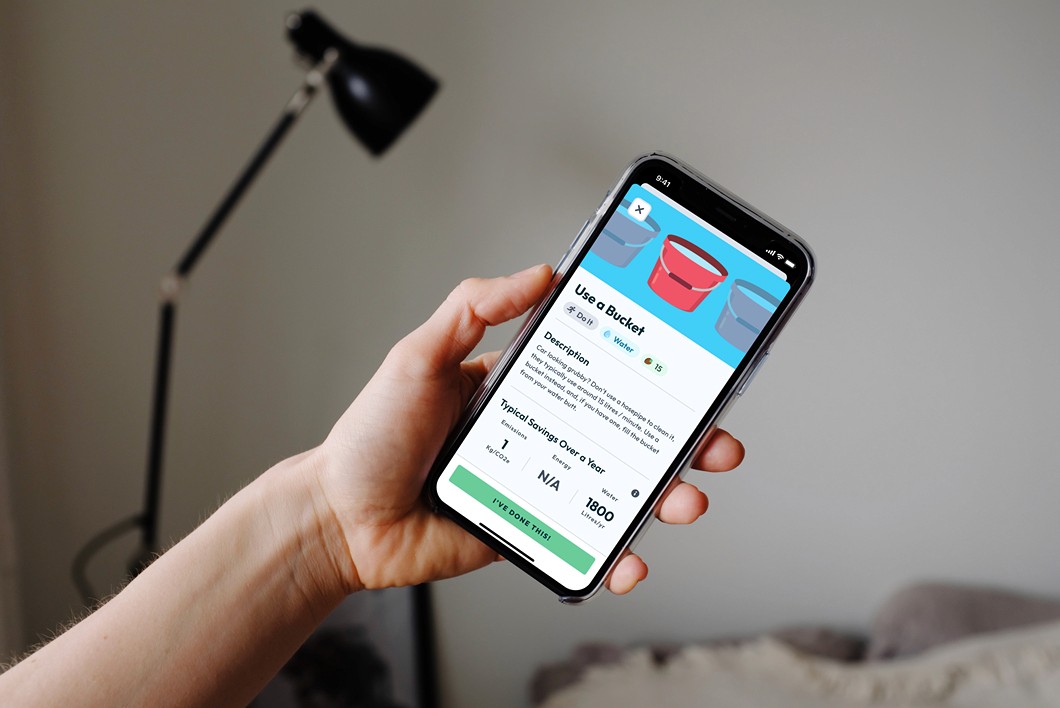
Assuming the users completed all actions that they committed to in the app, the 200+ users made this combined impact over a period of 6 weeks.
13.2
Tonnes of C02e saved
35,453
kWh of energy saved
1 million
litres of water saved
Takeaways
What did users think of the solution? What did we learn?
Users needed more of a reason to come back
The concept showed promise as something engaging for the age group, but there wasnt enough content to keep users engaged. Many of the users who responded in the survey said that they were enjoying the app, but ran out of things to do.
Rewards need meaning to be effective
We found that some users had completely upgraded their forest early into the pilot, suggesting that they may have just completed actions out of curiosity for what would happen. As it was fairly easy to get rewarded in the app, they will have completed the in-app progression, and then were left with nothing to do.
More discussions about climate change
79% of survey respondents said that the app increased the participation of a friend or family member who would not normally be interested in climate activities. Some of the actions in the app were intended to be completed with an adult, the survey results seemed to validate that there was at least some impact on the amount of those activities happening.

